Today I had a situation where I wanted to connect using eventvwr to a remote machine. I had been able to use PowerShell to connect to the remote machine but wanted the Event Viewer Gui for some quick filtering.
So opened up Event Viewer and entered my remote machine name and waited. After about 30 seconds the following error came back.
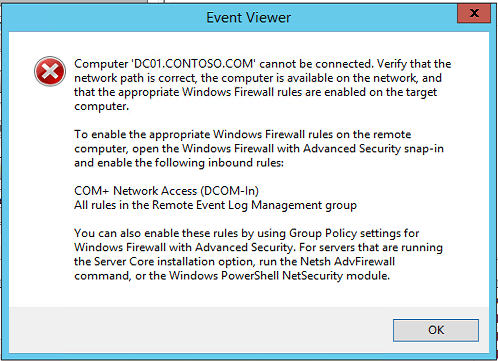
Ok so by the looks of things we need to enable some firewall rules  .
.
First thing is to get a list of the firewall rule groups that are on the remote server.
Get-NetFirewallRule | select displaygroup | Sort-Object displaygroup -Unique

Excellent they have not changed the group name. Now we need to enable all the rules in that group.
Get-NetFirewallRule -DisplayGroup "Remote Event Log Management" | Enable-NetFirewallRule
Ok time to check if things have worked.
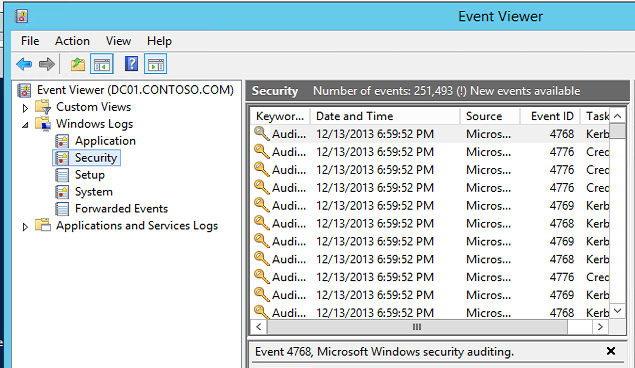
Perfect we now have remote access to the event log.
Pingback: nba即時比分